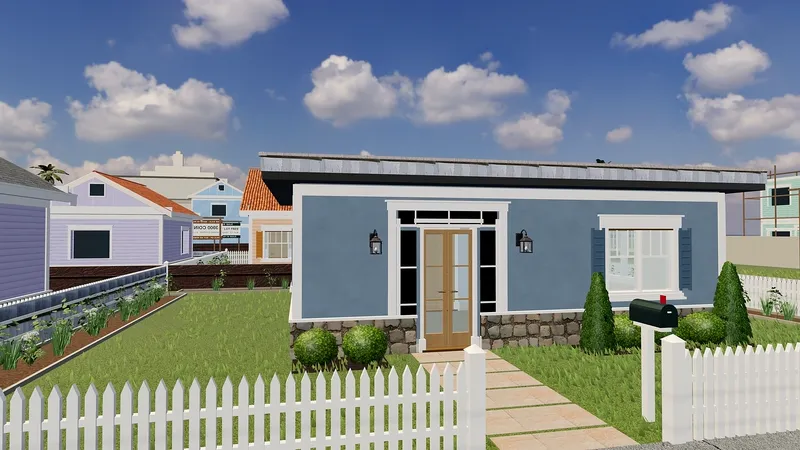
Every Palm Social player can have a home of their own, and the first step costs nothing: the first lot you claim is free.
1. Pick a lot
Open Homes & building from the game menu (or press B) to see the lots around town. Choose an empty one and claim it. Your first lot is free; land after that costs coins.
2. Choose how to start
- Move in right away by buying a ready-made Palm Realty house.
- Start from a design: pick one of the Palm Realty plans and change it as much as you like.
- Build from scratch: use the Room tool to drag out a room on the grid, then add doors, windows and furniture.
3. Use your first-house discount
Your first house is 50% off: a ready-made Palm Realty house, a starter home plan or a design you start from. It applies once per account. The land itself is not discounted, because your first lot is already free.
4. Practice, then publish
Practice mode lets you try the building tools without saving or spending anything. On your own lot, saving a draft and publishing are separate steps, so you can review the layout before it goes live. Start with one small room, learn the tools, then grow.
Once it is furnished, invite your friends over.